Published November 14, 2026. By Will Tygart · Restoration Intel Editorial Desk.
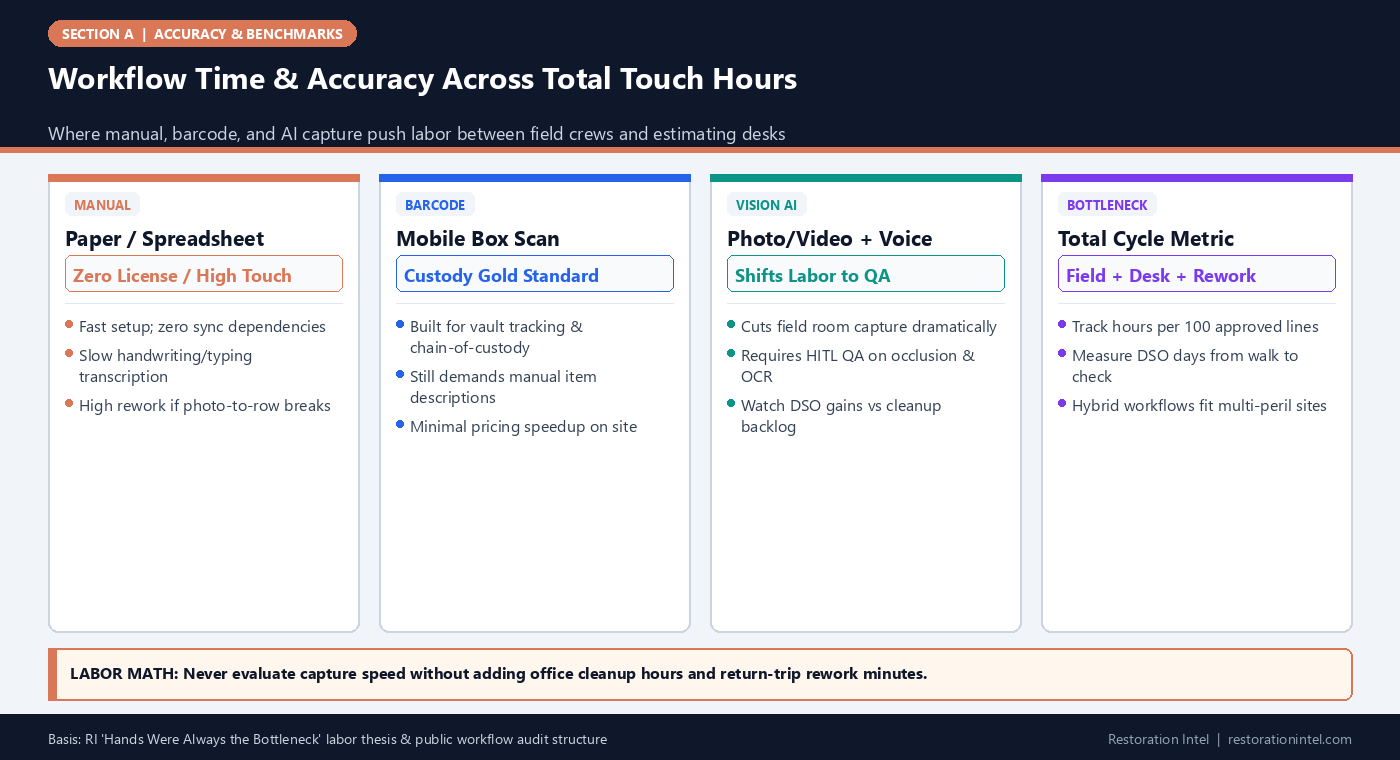
Direct answer. Measured across total end-to-end touch hours — on-site capture plus office pricing cleanup — barcode systems solve physical box custody rather than item specification speed, whereas AI-assisted computer vision compresses capture bottlenecks only when human QA resolves occlusion and model tags.
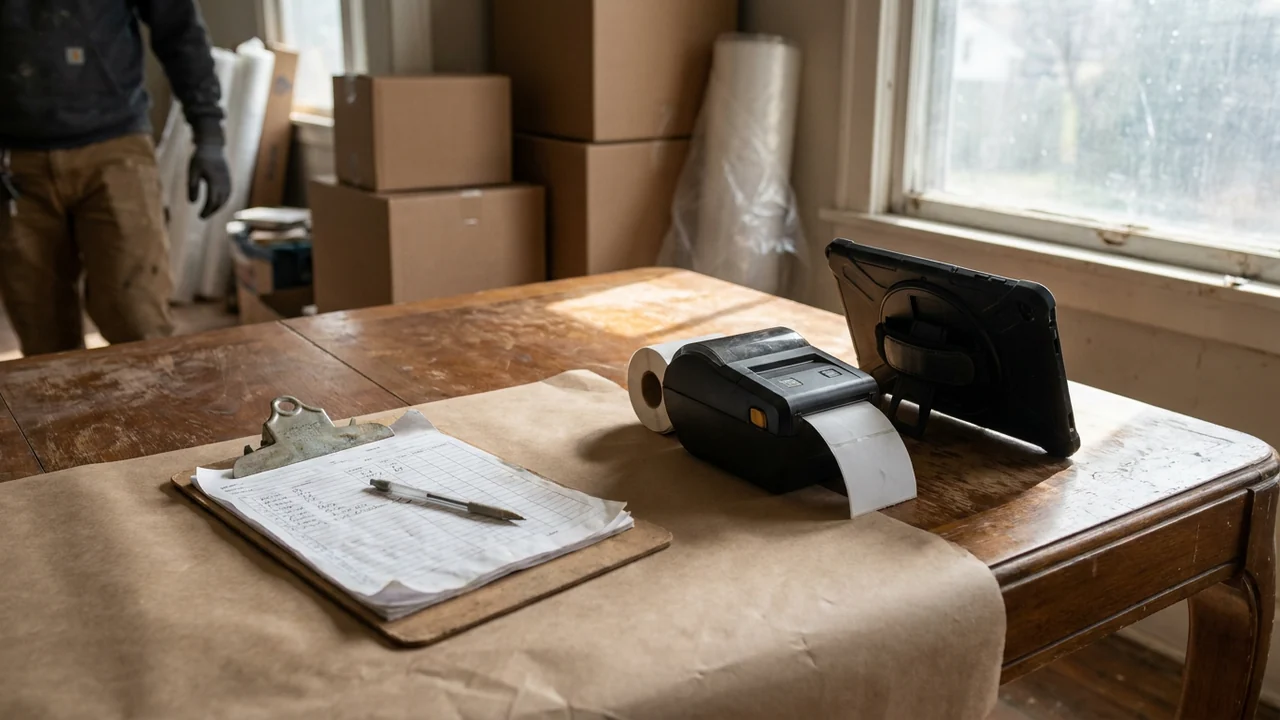
Every restoration conference features a debate over capture speed: clipboards versus barcode scanners versus smartphone video AI. Most vendor comparisons cherry-pick only the easiest slice of the job — how fast someone walks through an open bedroom — while ignoring the real labor drain documented in Restoration Intel’s The Hands Were Always the Bottleneck.
In real contents divisions, physical labor happens twice: once when gloved technicians bend into smoky cabinets to inspect, photograph, and wrap objects, and a second time when estimators decode cryptic field notes into carrier-ready schedules. Counting total combined minutes per 100 carrier-accepted lines — plus Days Sales Outstanding (DSO) drag from rework — reveals where each capture workflow actually wins or stalls.
Operational Tradeoff Comparison Across Primary Capture Workflows
| Workflow Class | Primary Operational Strength | Hidden Bottleneck / Labor Sink | Custody Chain Support | Best-Fit Claim Scenario |
|---|---|---|---|---|
| 1. Manual Spreadsheet + Camera | Zero software barrier; works in total offline dead zones | Post-loss typing hours matching loose JPG folders to CSV rows; high spelling/model typos | Manual paper box tags only | Small water/smoke jobs (< 75 lines) or emergency fallback |
| 2. Mobile Barcode + Item Entry | Bulletproof box custody from room -> truck -> vault -> return | Crew still types descriptions or dictates long notes per item; slow on total-loss estates | Native QR/barcode scan history | Large cleanable pack-outs where vault movement tracking rules |
| 3. Computer Vision + Voice AI | Rapid multi-item capture in messy rooms; automated catalog drafting | Closed-drawer occlusion misses; OCR errors on soot tags; estimator HITL QA needed | Depends on box/tag integration layer | Large total-loss schedules, dense estates & fast triage scoping |
| 4. Hybrid (Barcode Boxes + AI/Photo Scoping) | Separates physical pack-out logistics from high-speed schedule drafting | Requires clean bridge between box-ID schema and item pricing export | End-to-end scan + image index | High-volume multi-crew restoration shops running dual workflows |
Why Physical Handling Remains the Floor Under Field Speed
As argued in The Hands Were Always the Bottleneck, no camera or speech model unwraps greasy soot-coated crystal, lifts wet area rugs off hardwood, or safely packs china into dish-packs. When items are being packed out for restoration, physical handling takes the majority of on-site crew minutes regardless of which tablet sits on the counter.
Where smarter digital capture changes economics dramatically is in non-pack-out total-loss zones and estimating desk prep. Turning a three-day manual photo-labeling ordeal for a 900-line burn-out into a three-hour QA review directly shrinks DSO — getting accurate schedules to adjusters while repair mitigation is still underway.
- Distinguish Clean/Pack vs Total-Loss: Use box-custody scan workflows where items move to vaults; prioritize rapid AI/voice capture where destroyed assets remain on site.
- Audit cleanup ratio: Measure Desk Review Minutes per Field Capture Minute; healthy automated workflows hold cleanup well below a 1:1 ratio on typical rooms.
Rework Drag and Days Sales Outstanding (DSO) Impact
A slightly slower capture pass that achieves 98 percent photo-to-line completeness beats a rushed 10-minute walkthrough that forces two days of office calls or a second truck roll back to the insured’s house. Every supplement cycle over missing appliance serials or blurry room context pushes carrier settlement out by weeks.
Instead of debating tool hype in isolation, score any workflow transition on whether it reduces combined field + desk touch hours per 100 carrier-approved lines and shortens days elapsed between initial walkthrough and first-pass adjuster acceptance.
Choosing the Right Workflow Mix for Your Crew Size
Most mature contents operations stop searching for one universal tool and standardize on two interoperable tracks: structured mobile barcode tracking for physical vault custody (aligned with S320 chain-of-custody practice) paired with rapid multimodal photo/voice enrichment for pricing schedules. Running periodic blind room audits verifies whether new software actually compresses total cycle time for your crew.
Field Execution Checklist
- Measure Field Capture Minutes + Office Desk Cleanup Minutes + Return-Trip Rework Minutes per 100 approved lines.
- Keep barcode/QR custody tracking non-negotiable whenever physical items leave the property for cleaning or storage.
- Test voice+vision or AI workflows specifically on occluded closets and dirty rating plates before expanding field rollouts.
- Eliminate disconnected photo folders where estimators manually rename IMG_xxxx files to spreadsheet lines.
- Track DSO days from Site Walkthrough Complete to Initial Carrier Payment across workflow cohorts.
Related Restoration Intel Guides & Reference Standards
- Internal Guide: The Hands Were Always the Bottleneck
- Companion Brief (A-03): Designing a Blind Room Audit to Test Any Contents Inventory Workflow
- Companion Brief (A-08): First-Pass Adjuster Acceptance Rate: Defining the Industry Metric That Actually Drives Cash Flow
- Companion Brief (A-14): The True Cost of Inventory Rework: Quantifying Field Return Trips, Missing-Item Disputes, and Supplement Delays
- Companion Brief (F-01): How AI Contents Inventory Works End-to-End: From Field Capture to Carrier-Ready Schedule
- Primary Authority: ANSI/IICRC S320 Standard for Professional Contents Restoration
- Primary Authority: Verisk XactContents Platform Overview
- Primary Authority: Restoration Industry Association (RIA)
Frequently Asked Questions
Do barcode pack-out apps eliminate estimating work?
No. Barcodes track box and item custody superbly during transport and warehouse cleaning, but technicians or estimators still have to identify object attributes, brand/model, and replacement pricing.
Where does computer vision save the most real-world hours?
On large total-loss schedules and initial high-volume room walks where speaking context over video/photos replaces hours of typing repetitive household object rows.
When is a simple spreadsheet still the right tool?
Small single-room losses under 50–75 lines in zero-connectivity rural basements where manual entry paired with clean numbered photos finishes faster than cloud syncing.
How do you stop rework from wiping out field time savings?
Never let crews clear a room until a quick on-site QA check confirms overview, open-closet, and readable Tier-1 rating plate frames are safely captured.
.md twin (manual-spreadsheet-vs-barcode-vs-computer-vision-contents-capture.md).